
macOS
Install with one command, or choose a build below.
Install command
Release info is loading.Manual downloads
Loading...
 portlight
Turn localhost into a public HTTPS link.
Portlight makes your local app reachable from the internet. If it
is on localhost:3000, expose port 3000 and share the
URL it prints.
$ portlight expose --port 3000
Exposed http://127.0.0.1:3000 as https://demo.portlight.616.pub
Press Ctrl+C to stop.
Downloads
Use the install command below. Set PORTLIGHT_TOKEN or
pass --token, then run portlight expose
for an app or portlight serve for files.
Install with one command, or choose a build below.
Release info is loading.Install with PowerShell, or download manually.
Release info is loading.Install from the shell, or download manually.
Release info is loading.portlight update
checks for a newer release.
portlight uninstall
removes the CLI.
Agent workflows
Remote coding agents and remote-controlled browsers cannot always
reach your private localhost. Give them a portlight URL
when they need to inspect a preview, receive a callback, or call a
local service.
$ portlight skill
$ portlight expose --port 3000 --json
$ portlight serve --json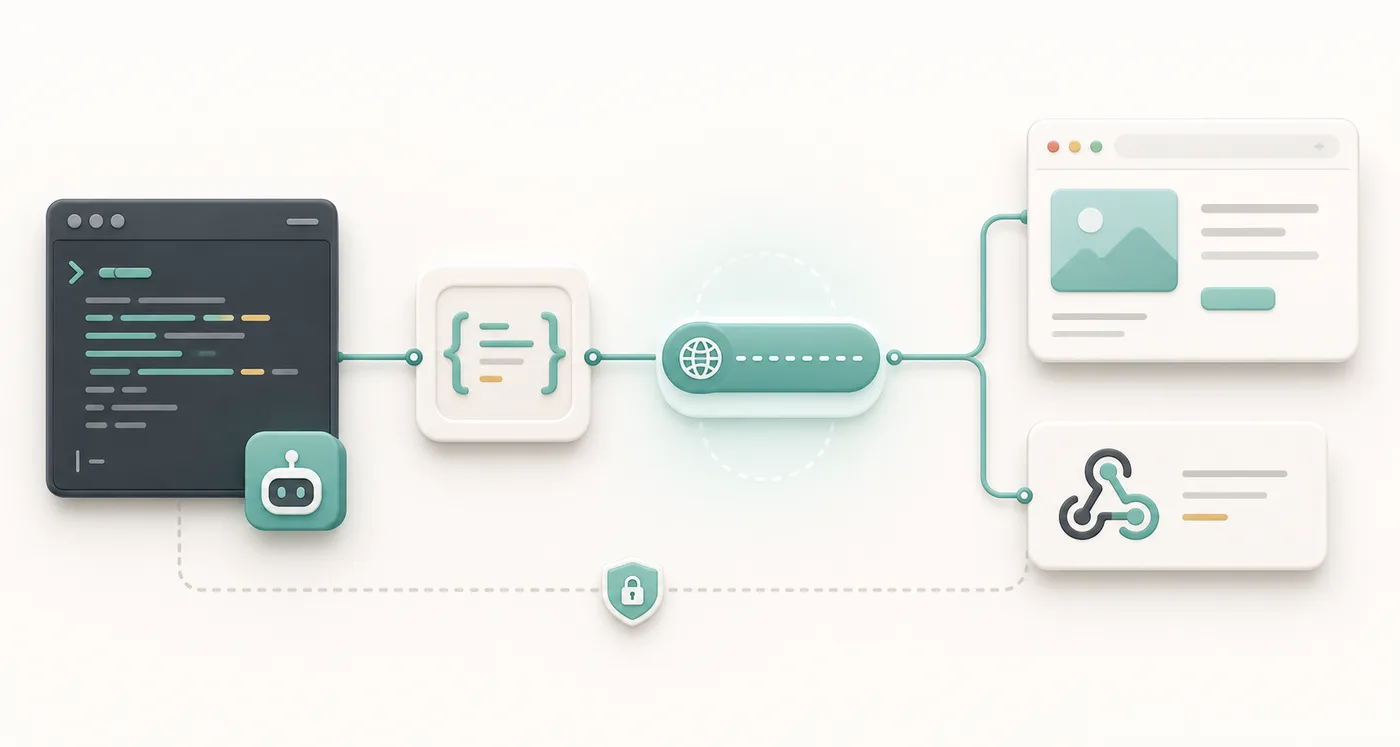
Use portlight when you need a public HTTPS URL for a local HTTP service.

If portlight is already installed, run `portlight skill` for the full agent guide.

If portlight is missing, install it:
macOS/Linux: curl -fsSL https://portlight.616.pub/install.sh | sh
Windows PowerShell: irm https://portlight.616.pub/install.ps1 | iex

Use PORTLIGHT_TOKEN if it is already set. If the user gives you a token, pass it with --token <token> or set PORTLIGHT_TOKEN for this shell.

Start the local service first, then run:
portlight expose --port <port> --ttl 30m --json

If you only need to share files from a directory, run this inside that directory instead:
portlight serve --ttl 30m --json

Read the JSON ready event and use the url field. Keep the command running while the URL is needed. Stop the process, or wait for TTL, to close the URL. Do not print the token in logs.What it is for
Previews, webhooks, file handoffs, and agents often need a real HTTPS URL. Portlight gives one to your local app or directory.
Open a local app on another device or embed it in a preview iframe.
Serve a directory with listing and share it in one command.
Receive callbacks while your app runs on your machine.
Return JSON when CI or an agent needs to capture the URL.
Usage
Start your app as usual, or let portlight serve a directory for you. Keep the command running while the URL should work.
# macOS / Linux
export PORTLIGHT_TOKEN=<token>

# Windows PowerShell
$env:PORTLIGHT_TOKEN='<token>'

# Or pass it directly
portlight expose --token <token> ...portlight expose --port 3000 --ttl 30m
portlight serve --dir ./public --ttl 30mhttps://name.portlight.616.pubSelf-hosting
Use the hosted server for quick work, or deploy your own endpoint for team and private infrastructure. Expose only services you intend to share.
serve.